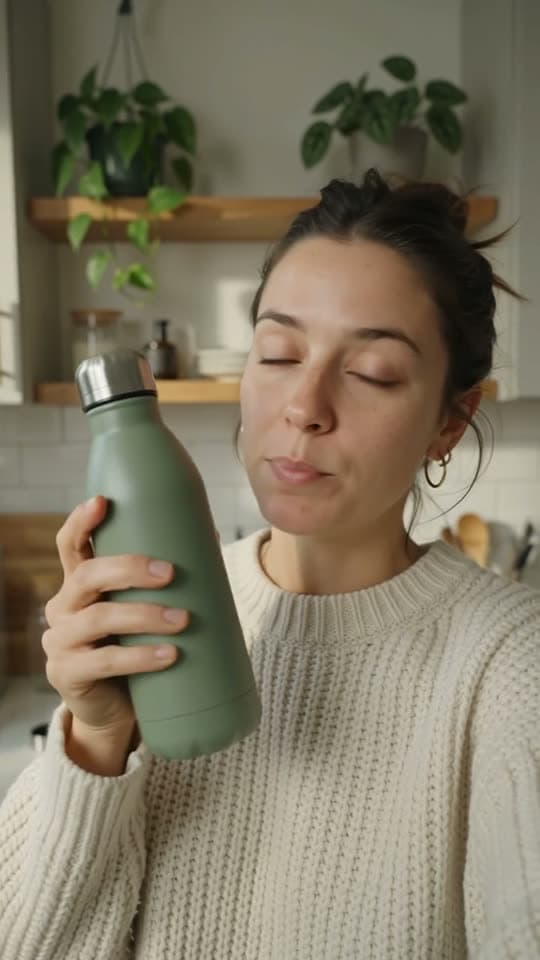
UGC ad0:10
Creator demos
A creator shows your product in a real space, in their own words.
Zellos Studio is an AI UGC video generator built for businesses. Pick your goal, audience and mood, and it produces creator-style videos that look native on TikTok, Instagram Reels and YouTube Shorts, in your brand’s voice and with your product front and centre.
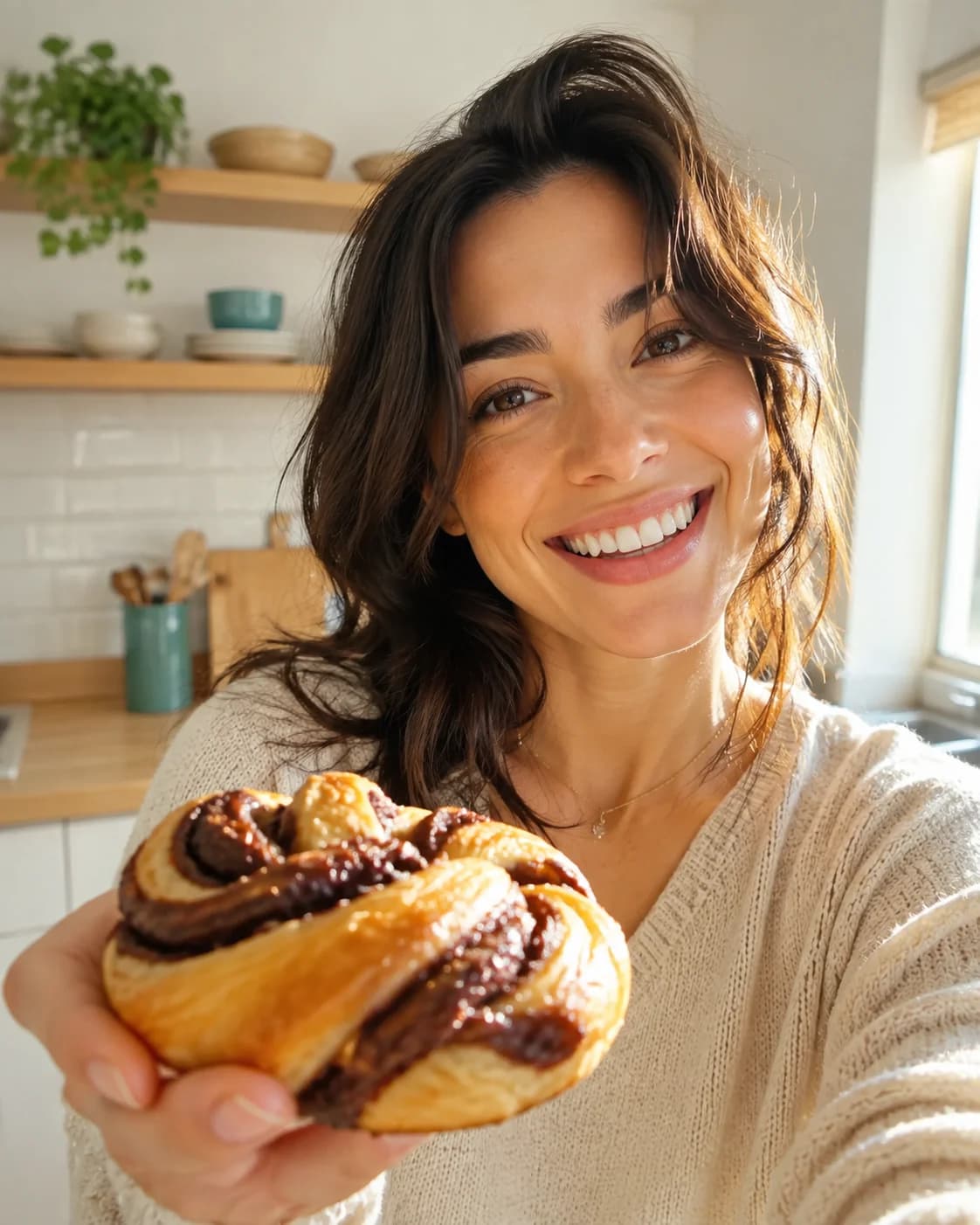

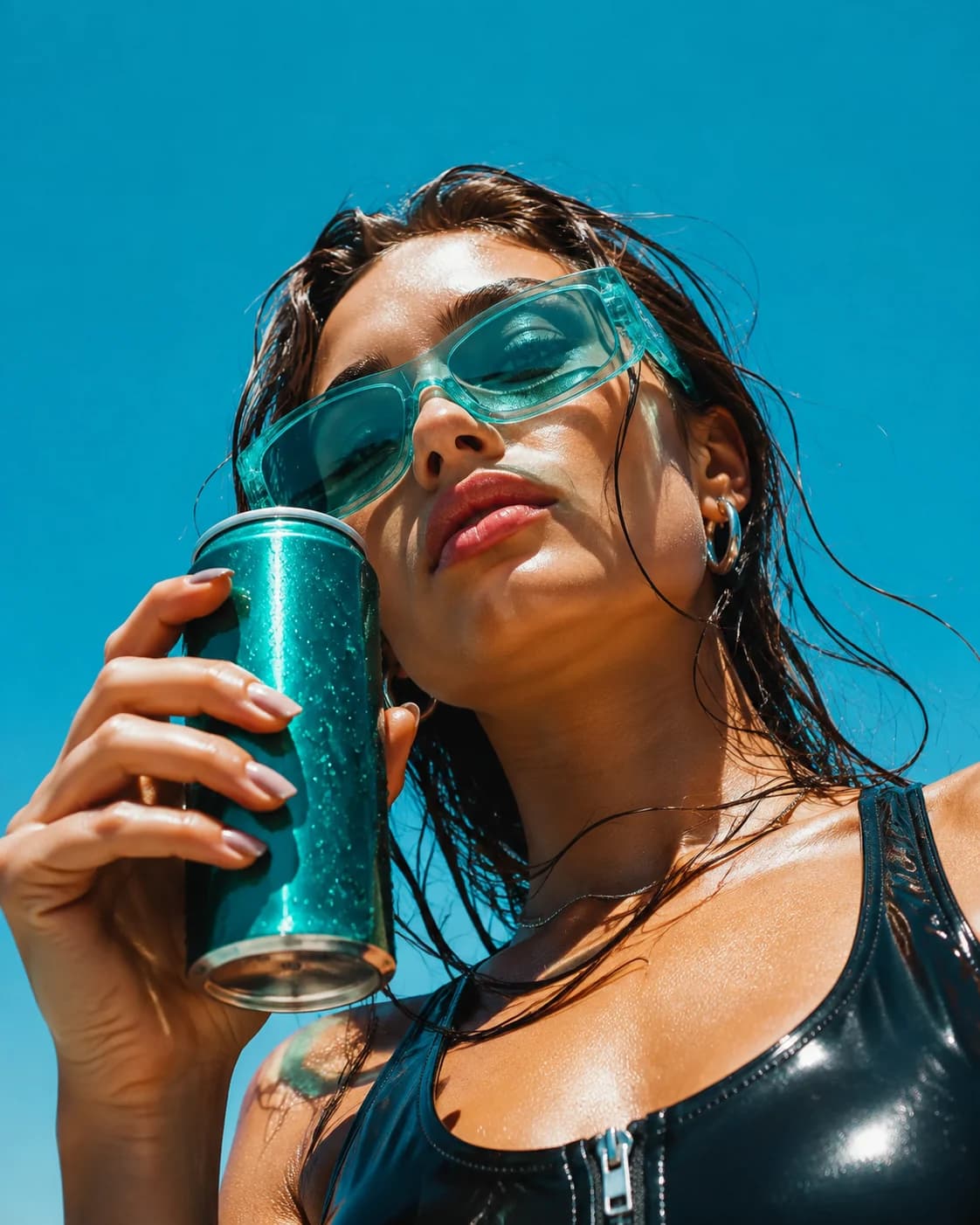
Videos that put your product in a creator’s hands, ready to run as paid social or post organically.
Short, casual clips that feel like a customer posted them, shaped around your offer and the audience you’re trying to reach.
Talking-head reviews and reaction clips that sell the product before the first order lands.
Change the audience, mood or offer and generate another version, so you can test several hooks without booking another shoot.
Three steps, no blank prompt box.
Add your brand kit: colours, type, tone, product facts and the rules you never want broken.
Select the goal, audience, mood, format and offer. Zellos Studio does the prompting for you, and you can steer it in chat.
Regenerate any shot, adjust the pacing or revise the caption, then export a UGC video that’s ready to post.
Press play. Clips load only when you start them.
A creator shows your product in a real space, in their own words.
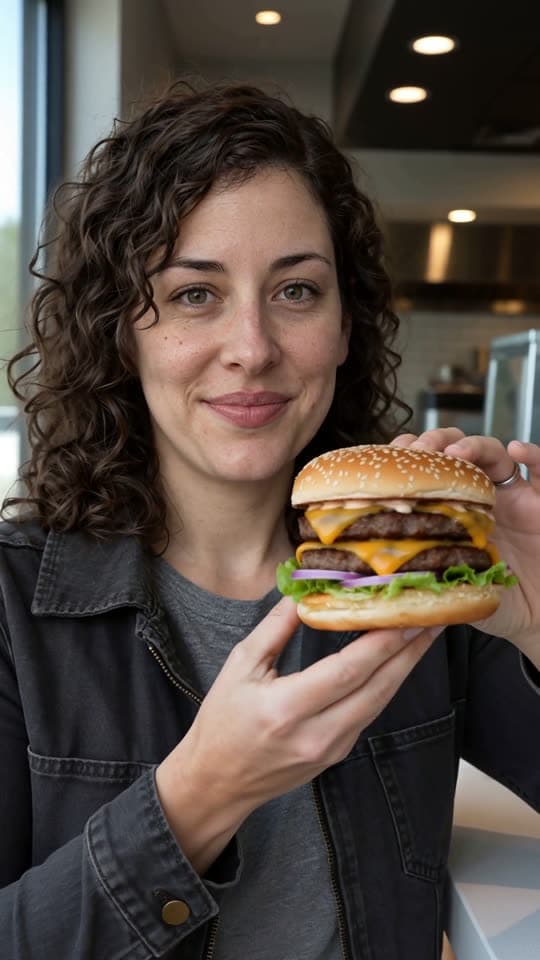
Honest-feeling reviews that sell the bite before the first order.
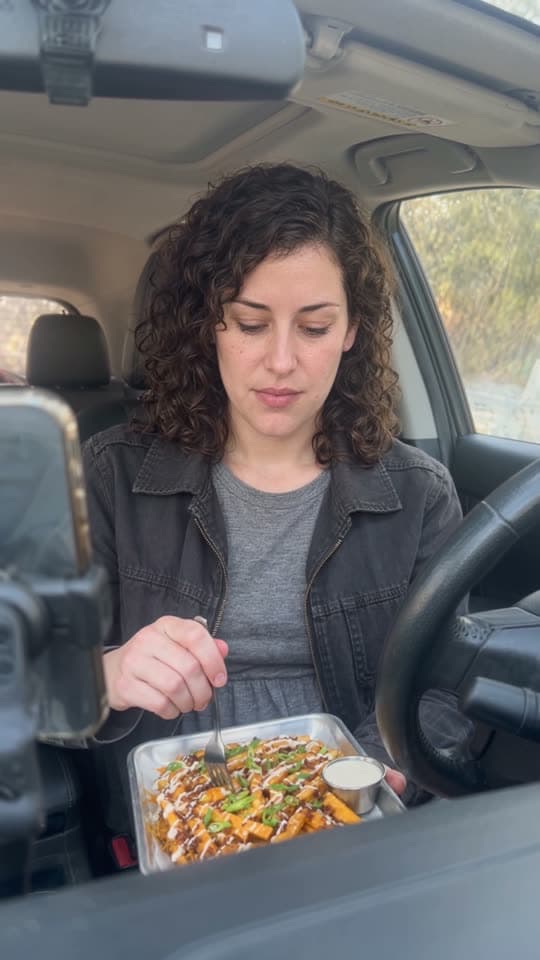
Car-seat, kitchen, or street. Settings that look like real life.
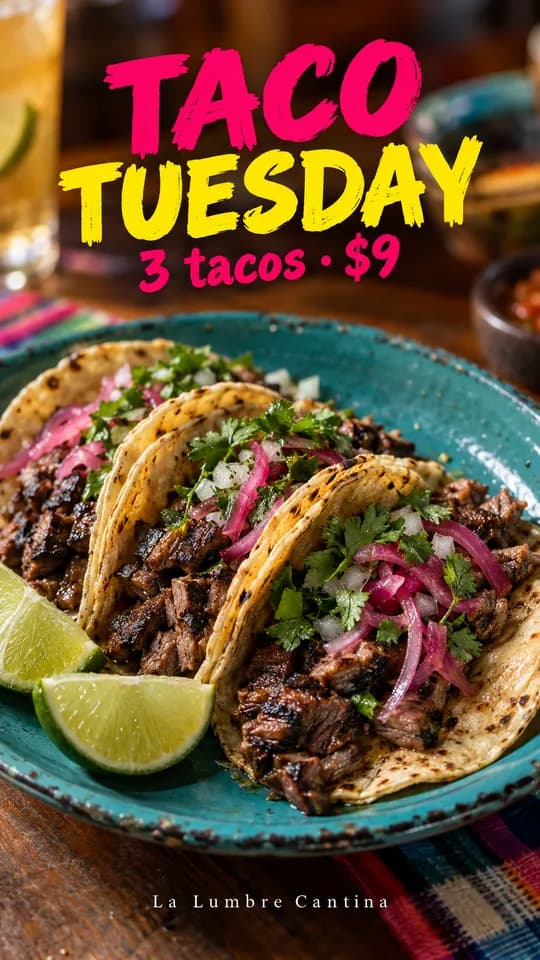
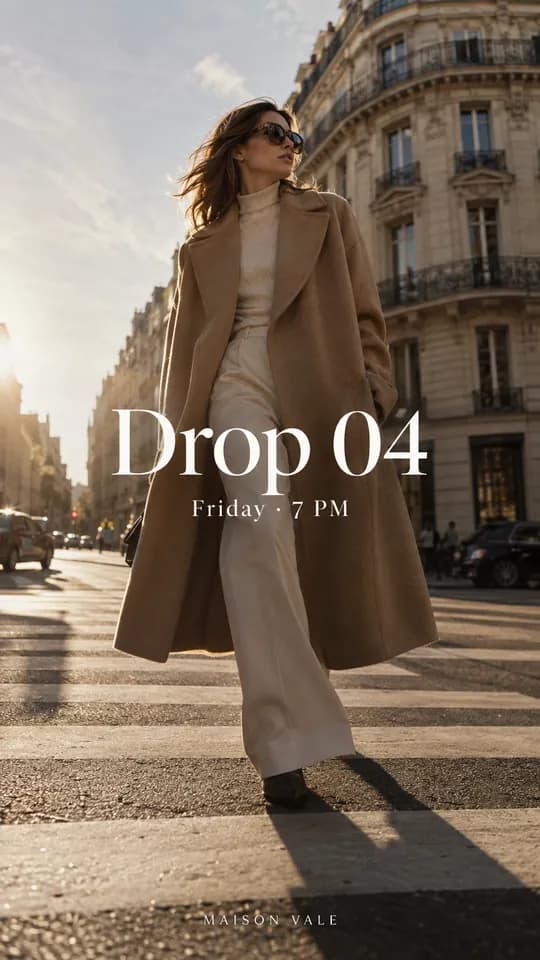
Stills from creator-style campaigns for fictional brands, all made with Zellos Studio.
An honest side-by-side of where the time and effort go.
| The usual way | With Zellos Studio | |
|---|---|---|
| Getting started | Brief, source and book creators, then wait for footage. | Set up your brand kit once and choose your goal, audience and mood. |
| Revisions | Ask for a reshoot or re-edit and wait for it to come back. | Regenerate a single shot or revise the caption on the spot. |
| Testing hooks | Every new angle is another brief and another shoot. | Change the audience, mood or offer and generate another version. |
| Cost clarity | Fees vary by creator, usage and number of revisions. | Each generation shows its credit cost before you run it. |
| Likeness and consent | Depends on each individual agreement. | No face swapping or imitation of a real person without their clear permission. |
Every video follows your brand kit instead of drifting into a generic AI look.
Guided choices replace the blank prompt box, so anyone on your team can make a good video.
Go from idea to a postable video in minutes, not days of briefing and revisions.
Zellos Studio does not allow imitating or swapping a real person’s face or likeness without their clear permission.
It’s software that creates user-generated-content-style videos, the casual, creator-led clips you see in social feeds, using AI instead of hiring creators and filming each one.
Yes. Zellos Studio creates UGC videos in vertical social formats designed for paid ads and organic posts on TikTok, Instagram Reels and YouTube Shorts.
No. You choose the goal, audience, mood, format and offer, and Zellos Studio handles the prompting using your brand kit.
Only with their clear permission. Morphing, swapping or imitating anyone’s face or likeness without approval is not allowed on Zellos Studio.
Zellos Studio is credit-based. A 5-second video costs from 65 credits and a 10-second video from 130 credits, depending on the model and resolution, and the exact cost is quoted before you generate. You can try it with the one-time $2.99 Trial.
Yes. You can regenerate a single shot, adjust the pacing or revise the caption without redoing the whole video.
Ready to make your first one?
Set up your brand once, then create on-brand content in minutes.